Simple Revit - Door Collection
Parametric Door System for Revit
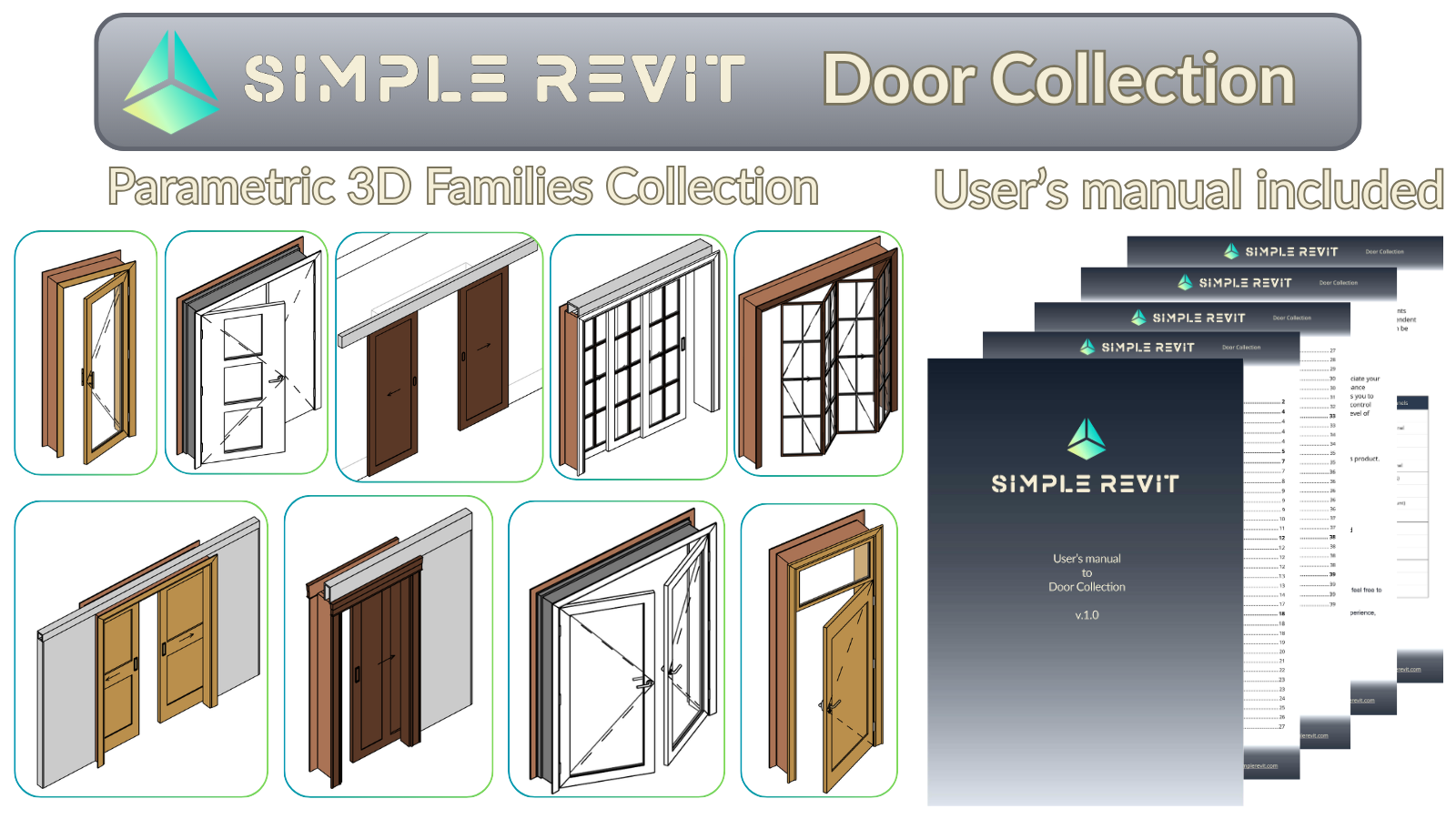
A professional library of highly parametric door families and nested components for swing, sliding, bypass, and bifold operations. Built on a modular nested architecture that lets you mix and match leaves, frames, casings and hardware directly from project parameters, without ever editing a family.
Key Features
Complete door solution
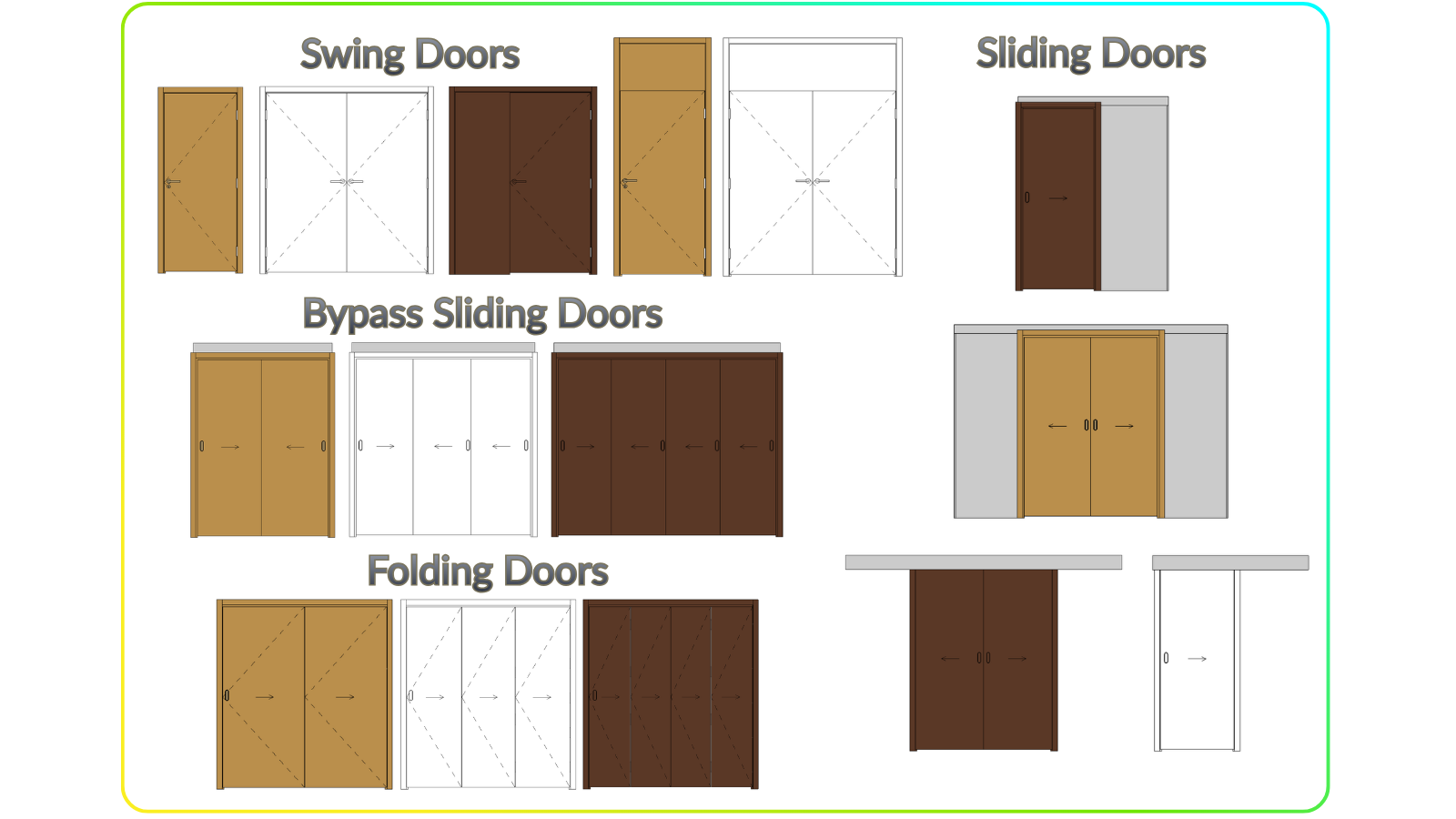
- Parametric Door Families - Swing, Sliding, Bypass & Bifold types
- Nested Components - Leaves, Frames, Panels, Casings & Hardware
- Component Templates - Build your own Leaf, Frame, Panel, Casing & Hardware
- User's Manual - Detailed step-by-step guide
- Demo Project - Working examples with ready schedules
Smart Features
Advanced functionality
- Nested Components Architecture - Swap leaves, frames, casings & hardware via Type parameters
- 2D & 3D Swing Lines - Inward/outward indication with reversible direction
- Independent Opening Control - Separate 2D and 3D opening states with safe ranges
- Parametric Dimensions - All widths, heights, clearances & gaps driven by Type/Instance parameters
What's Included
Complete package contents
| Category | Types | Description |
|---|---|---|
| Swing Doors | 5 | Single, double & with fixed panels |
| Sliding Doors | 4 | Pocket & wall-mounted variations |
| Bypass Doors | 3 | Double, triple & quadruple leaves |
| Bifold Doors | 3 | Double, triple & quadruple folding |
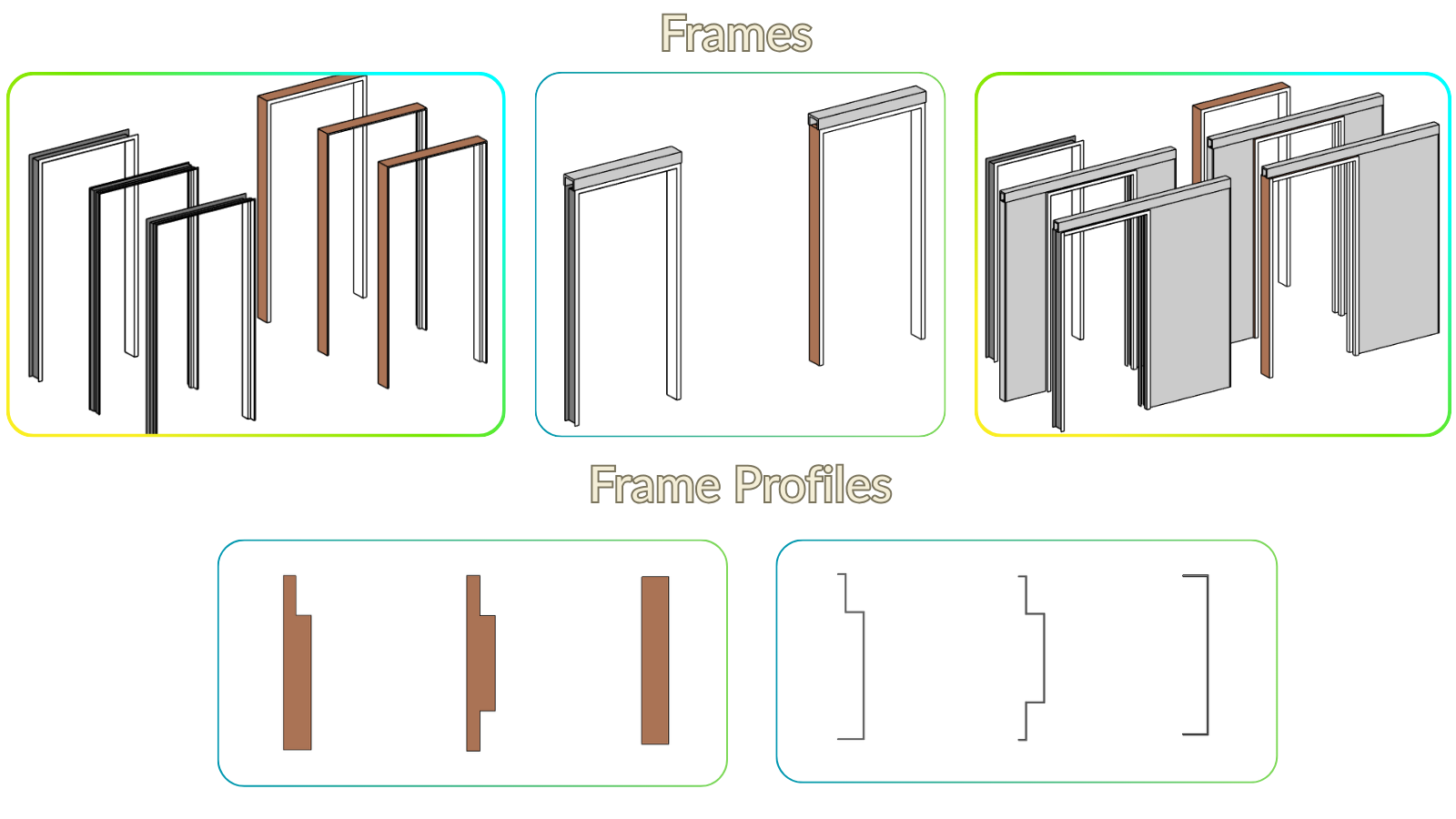
| Frames (FR) | 8 | Wood & metal profiles for all door types |
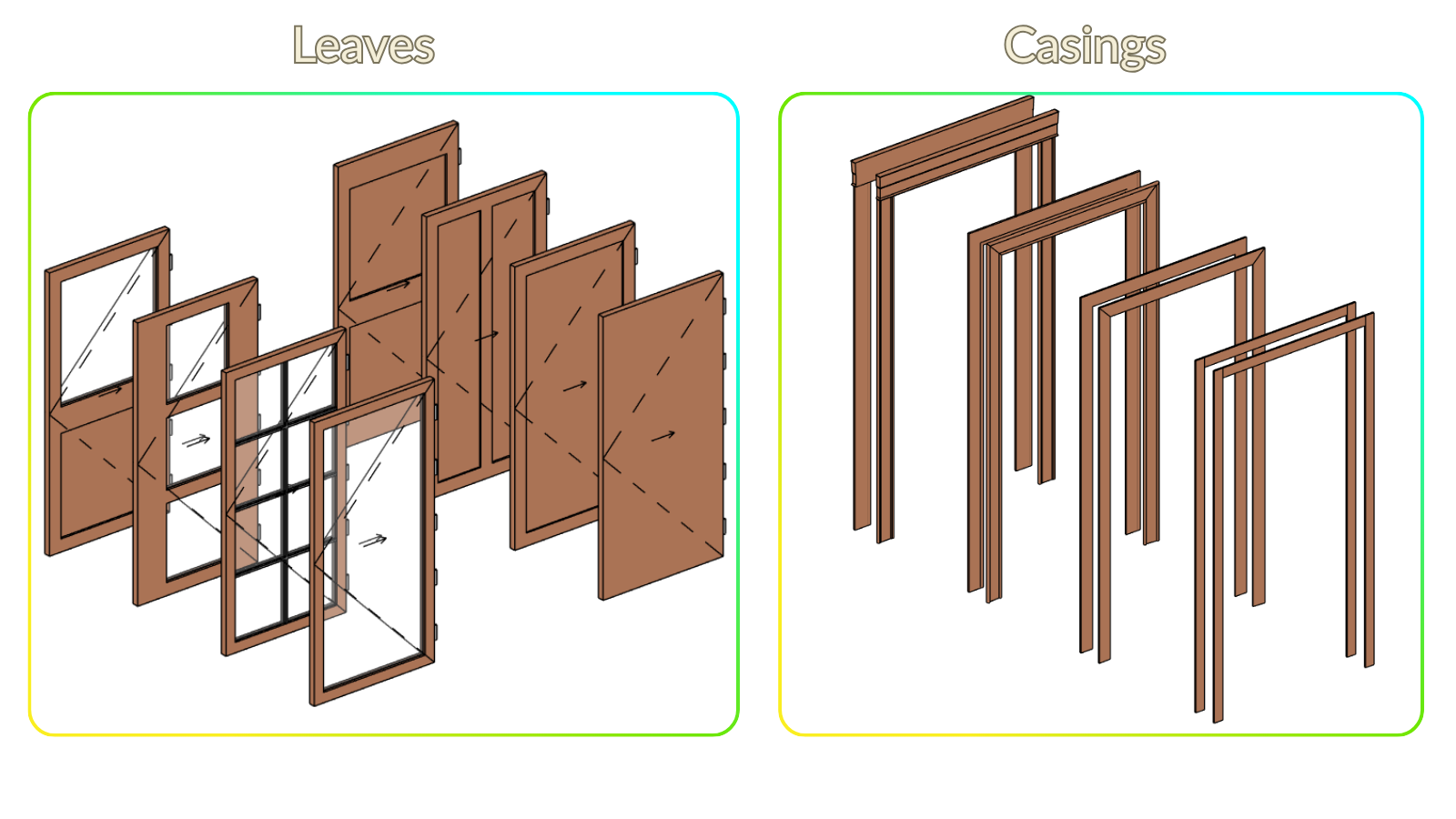
| Leaves (LF) | 8 | Solid & glazed variants |
| Casings (CS) | 4 | Interior door trim profiles |
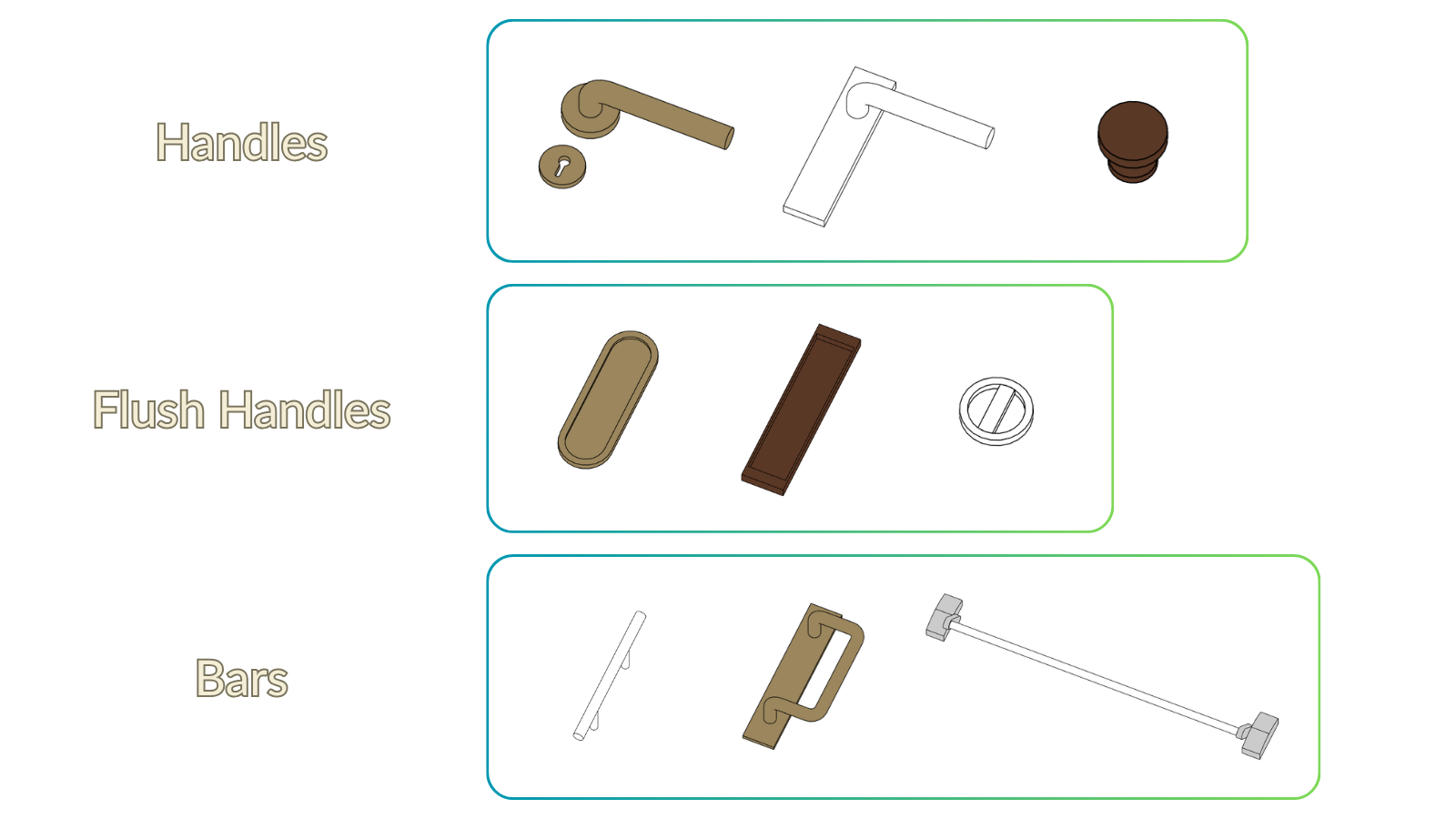
| Hardware (HW) | 9 | Handles, flush handles & panic bars |
| Panels (PN) | 2 | Solid & glazed for fixed elements |
| Total Families | 46 | |
Modular Nested Architecture
The heart of the Door Collection
Each door is built from independent nested sub-families (leaves, frames, casings and hardware) that you swap directly from the project using parameters.
- Leaf Type (LF)
Switch between solid, glazed or custom leaves - Frame Type (FR)
Wood or metal profiles for any door operation - Casing Type (CS)
Trim profiles to match different interior styles - EXT / INT Hardware (HW)
Independent handles for exterior and interior side - Build Your Own
5 component templates (LF, FR, CS, HW, PN)
Smart Graphics & Detail Levels
Professional representation at any scale
Doors adapt to every view: clean 2D symbols on plans, accurate geometry in documentation, and full detail in close-up renders.
- 2D & 3D Swing Lines
Push / pull distinction with reversible direction - Independent 2D / 3D Opening
Different opening angles for plan and 3D views, with safe ranges - Coarse Detail
Simplified geometry, ideal for small-scale views and early design - Medium Detail
Accurate profiles, gaps, casings and hardware, documentation-ready - Fine Detail
Full detail with 3D hinges for close-up views and renders
Why Choose Door Collection?
Built for real project work
User's Manual
- Step-by-Step Guide
Detailed instructions for every door family with screenshots - Component Compatibility
Clear guide on which frames, leaves and hardware work with each door - Schedules Explained
How to use and adapt the pre-built schedules to your standards - Customization Instructions
How to build your own components using the provided templates
Key Benefits
- Save 80% Modeling Time
Pre-built parametric doors eliminate repetitive work - Endless Configurations
Mix any leaf, frame, casing or hardware combination on any door - BIM LOD 300-350 Ready
Professional-grade families meeting industry standards - Production Output Ready
Pre-mapped schedules and shared parameters built in
Important: families are built in Revit 2024 and are not compatible with earlier versions. Please make sure you use Revit 2024+ before purchase.